

A StudioBinder alternative for your commercial shoot.
Starting with a storyboard? In Little PA, import the PDF, plan your shots and hand the day over to your call sheet. Here is how the documented workflows compare.

You already have the PDF.
Shorder reads shots, descriptions, cast and printed shot numbers from your storyboard PDF. Review the details and select the image crop for each shot yourself.

The day is planned. Now the crew needs it.
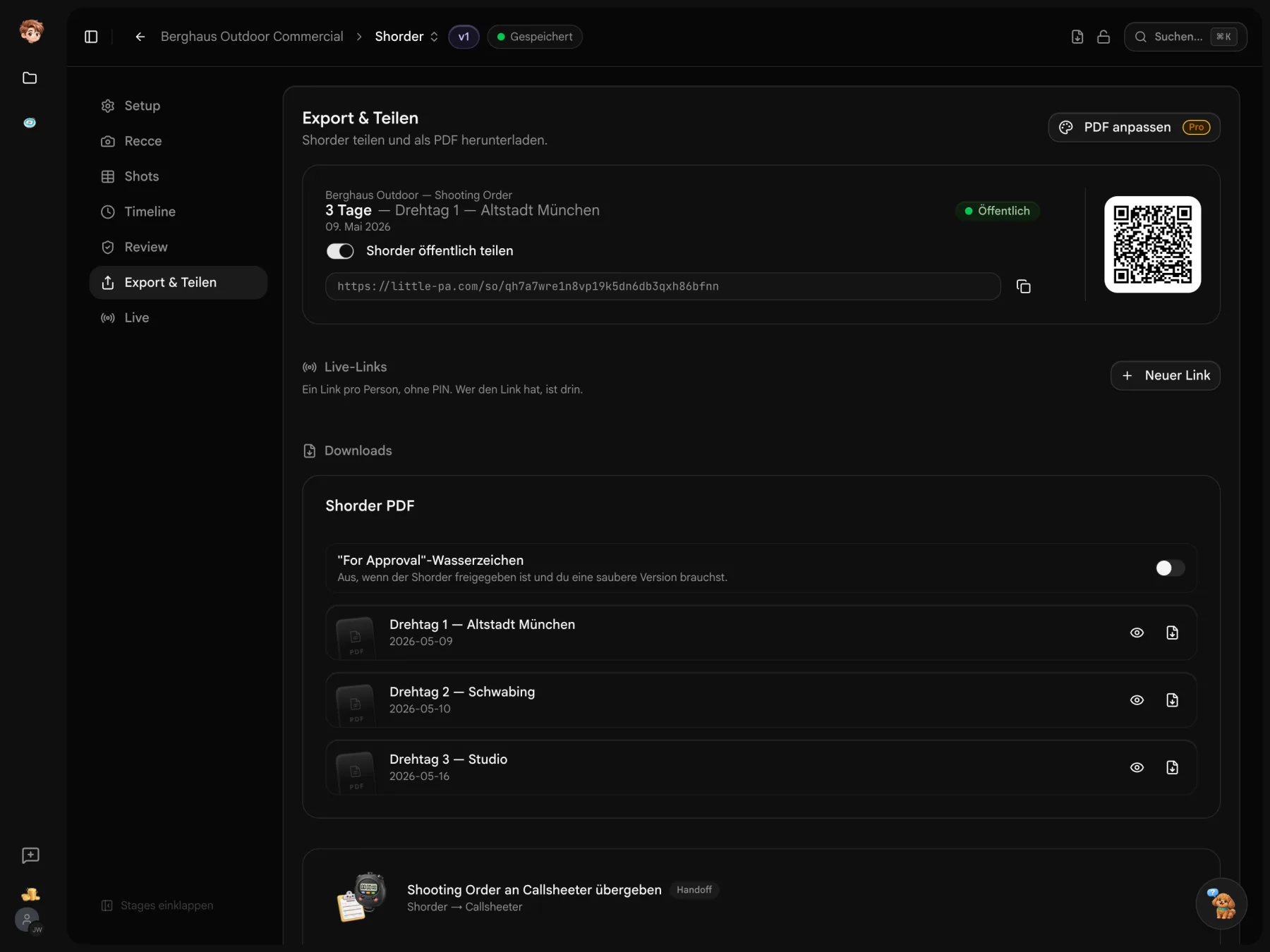
Plan shots, setup time and breaks in Shorder. Review the day in the preview and link it to Callsheeter. The linked schedule carries over; add crew and other details in the call sheet.

Your PPM needs the plan, too.
Casting, locations and timing belong to the same project. In Deckster, link the sources for your PPM deck and choose which entries to include. Add your own content and choose the design yourself.
What your shoot needs.
Storyboards, call sheets and the work in between. These are the documented features of both tools.
 Little PA
As of October 2026. Manufacturer documentation; availability depends on the plan. Unclear does not mean no. Little PA publishes this comparison. Little PA features were also checked against the code; a German UI and storyboard PDF import in StudioBinder are unverified.
Start with the files you have.
Import a crew list from Excel. Read contacts and schedule entries from a PDF. Review the extracted details before saving; this is not a full StudioBinder project import.
Plan your next shoot day from the storyboard.
Import your PDF, review the shots and plan the day. You can create your first project for free.
Before you send your callsheet.
Costs, source files and the limits of switching.
You can try the tools for free in one project. Paid plans are priced per workspace, starting at €29 per month. The pricing table lists seats, storage and allowances for each plan.
Yes. Export your callsheet as a PDF for printouts, your records or a shoot day without reliable reception.
There is no full StudioBinder project import. You can use an exported call sheet PDF as a source for the contact and schedule imports. Results depend on the PDF: review and complete the extracted details before saving. The layout, links between records and confirmations do not carry over.