What should your call sheet software connect?
A call sheet needs a shooting schedule, crew and locations. Six tools connect that work in different ways. Here is what their documentation supports.

Which fits your production?
Your starting point matters: storyboard, screenplay or rundown. These summaries describe documented workflows, rather than a ranking.
StudioBinder
For productions connecting screenplay breakdown, stripboards, shot lists and call sheets. StudioBinder: Screenplay importStudioBinder: Breakdown and scheduling
Yamdu
For film, series and commercial productions with script import, production planning and confirmed call sheets. Yamdu: Call sheets, script import and confirmationYamdu: Commercial productions
Filmustage
For AI screenplay breakdown followed by shooting schedules and call sheets. Filmustage: Script importFilmustage: Call sheets and confirmation
Celtx
For a script-led workflow through breakdown and stripboards to call sheets populated from the schedule. Celtx: Production workflow
Dramatify
For drama, live and studio productions connecting scripts or rundowns, team scheduling and digital call sheets. Dramatify: Digital call sheets and schedulingDramatify: Production workflows
Little PA
For storyboard-led commercial shoots: import shots, plan shoot days in Shorder and hand them over to Callsheeter. Little PA: ShorderLittle PA: Callsheeter
Workflows and manufacturer sources reviewed 10/2026. Feature availability may depend on plan.
What is documented?
Open each row for explanations, sources and review date per value. On small screens, scroll the table sideways while the feature stays in view.
 Little PA
Manufacturer documentation accessed 31 October 2026. “Unclear” means the linked sources do not establish the feature sufficiently; it does not mean the feature is missing. No test accounts used. Prices and interface languages are not compared.
- [1] Little PA: Shorder
- [2] Little PA: Callsheeter
- [3] StudioBinder: Storyboard images
- [4] StudioBinder: Screenplay import
- [5] StudioBinder: Online call sheets and confirmation
- [6] StudioBinder: Call sheet PDF
- [7] StudioBinder: Breakdown and scheduling
- [8] Yamdu: Call sheets, script import and confirmation
- [9] Yamdu: Create and distribute call sheets
- [10] Yamdu: Call sheet PDF
- [11] Yamdu: Commercial productions
- [12] Filmustage: Storyboards
- [13] Filmustage: Script import
- [14] Filmustage: Call sheets and confirmation
- [15] Filmustage: Send call sheet
- [16] Celtx: Call sheets, scheduling and PDF
- [17] Celtx: Script import
- [18] Celtx: Production workflow
- [19] Dramatify: Digital call sheets and scheduling
- [20] Dramatify: Printing and PDF
- [21] Dramatify: Drama screenplay import
- [22] Dramatify: Production workflows
Take a closer look at a workflow
The three individual comparisons examine a move to Little PA, with storyboard import, day planning and call sheet handoff.
StudioBinder and Little PA
Storyboard import and call sheets in detail. View comparison
Yamdu and Little PA
Scheduling, approval and PPM for commercial shoots. View comparison
Filmustage and Little PA
Storyboard and screenplay as different starting points. View comparison
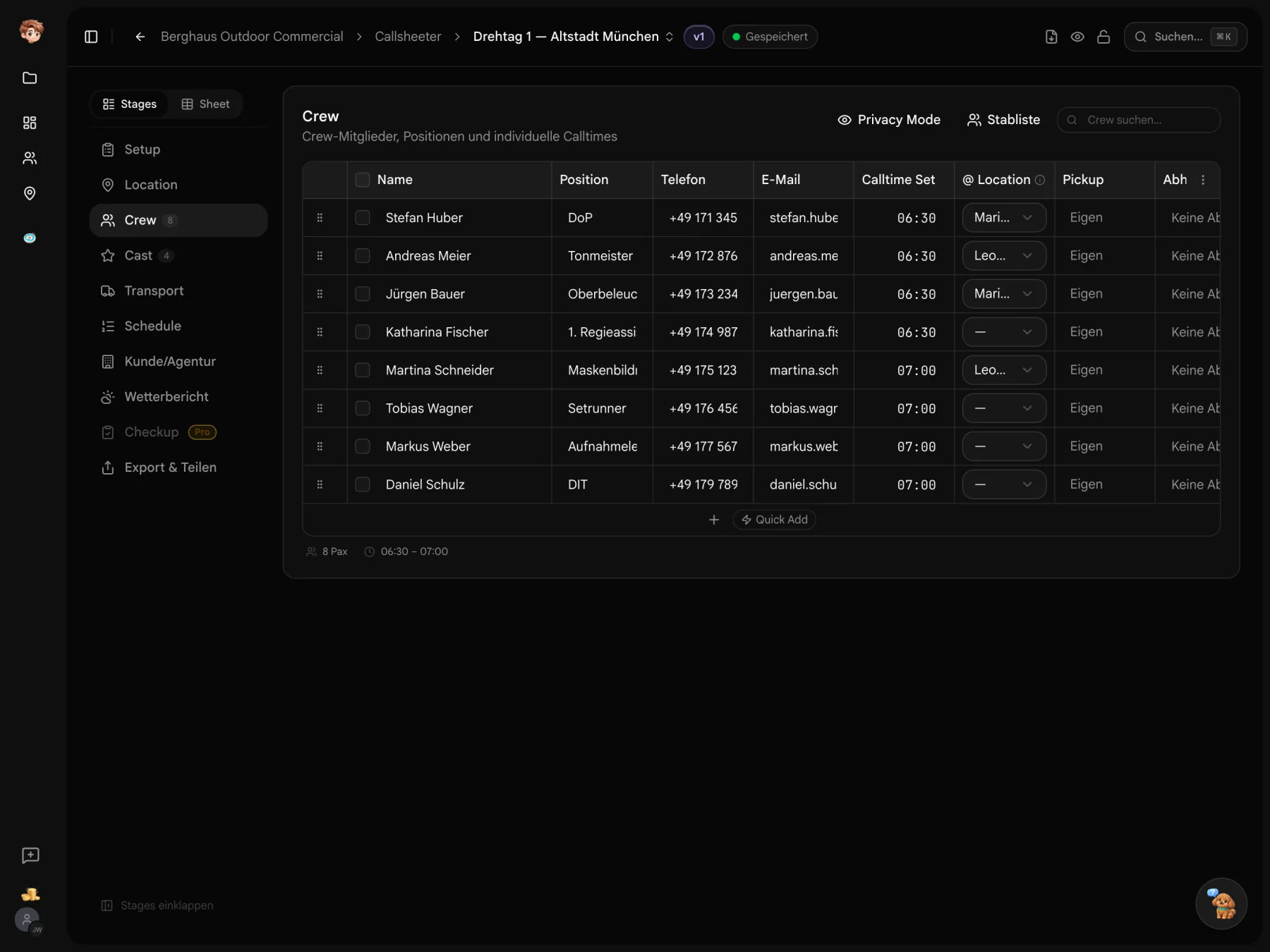
Try the workflow from storyboard to call sheet
Import your shots into Shorder, review the shoot day and link it to Callsheeter.
Before you send your callsheet.
About choosing call sheet software
Yes. You can try the tools in one project. See the pricing page for current allowances.
In German film production, Dispo and call sheet refer to the same daily document with calls, locations, schedule and contacts. Additional software features vary by product.
No. The linked manufacturer sources do not establish it sufficiently. Check the workflow with the provider if it matters to your production.
Yes. The templates section has free call sheet and shooting schedule files in PDF and Excel, without an account.