
Things change before the PPM.
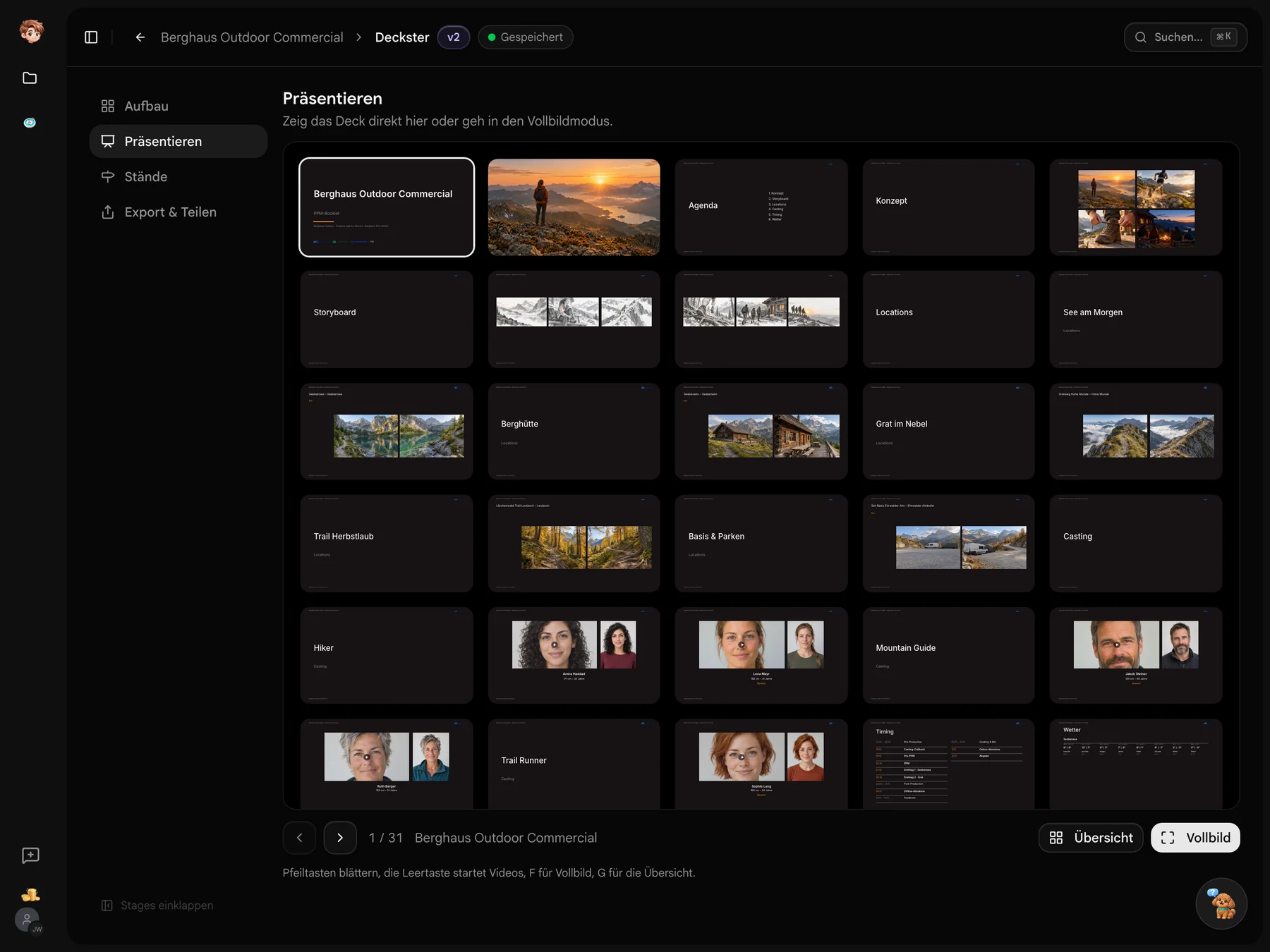
Deckster brings cast, locations and timing in from linked sources. Add your concept, moodboard and storyboard, then choose a design. Source changes update your working deck; save a fixed version for the PPM.

Four steps to your booklet
Work on cast in Casting Binder, locations in Scoutglass and timing in Timeplaner. In Deckster, choose what each linked section shows.
- 1Casting Binder
Who fits the role?
Filter the board by role and minimum rating. Here, selecting “Trail Runner” and at least three stars leaves two of the nine cards highlighted.
- 2Scoutglass
Locations on the map
Hover over a location pin for a photo preview. Click to open the location in the viewer. See where each location is and what it looks like.
- 3Timeplaner
Approval isn’t delivery.
The schedule shows phases, today’s marker and gaps in days. See how much time there is between online approval and delivery.
- 4ScoutglassDeckster
Deselect the shortlist
Deselect the shortlist in the location section. The count drops from five locations to three, leaving the confirmed locations in the booklet.

 Casting Binder
 Scoutglass
 Timeplaner
Your project supplies the content.
Casting choices, Scoutglass locations and the schedule each have a place in the booklet. Add the material that shows your idea for the film.
Scoutglass
Seebensee set to fixed
Casting Binder
Jakob Steiner cast
Timeplaner
Shoot days Sep 15–16
Berghaus Outdoor
PPM booklet
Which version are you taking to the PPM?
Create your project and link cast, locations and timing in Deckster. Add your film concept and save a fixed version for the meeting. Keep editing your working deck after that.
Before your first PPM
Costs, sources and client access at a glance
Try Casting Binder in one project on the free plan. Paid plans are per workspace and start at €29 a month before tax. External uploads and reviews do not need an additional full seat. The pricing overview lists the tools and allowances included.
Deckster uses cast from Casting Binder, locations from Scoutglass, timing from Timeplaner and shoot day details from Callsheeter. Add the concept, moodboard and storyboard yourself. An uploaded PDF can be split into individual pages.
Linked sources update your working deck. A saved version keeps its contents, so you can continue working while sharing a specific version for review.
No. Recipients open the link in a browser. Depending on its settings, they may be asked for their name and email before viewing, commenting or downloading a PDF. You can set an expiry date for the link.