

A Filmustage alternative when your shoot starts with a storyboard.
Filmustage uses AI to break down scripts and offers scheduling, callsheets and budgeting. For a commercial shoot with a finished storyboard PDF, Little PA starts elsewhere: extract shots, plan shoot days and hand the schedule over to Callsheeter.

Your shots are already in the PDF.
Shorder reads shots, descriptions, cast and printed shot numbers from your storyboard PDF. Review the extracted details and select the image crop for each shot yourself. Then use those shots to plan your shoot days.

Now the crew needs the schedule.
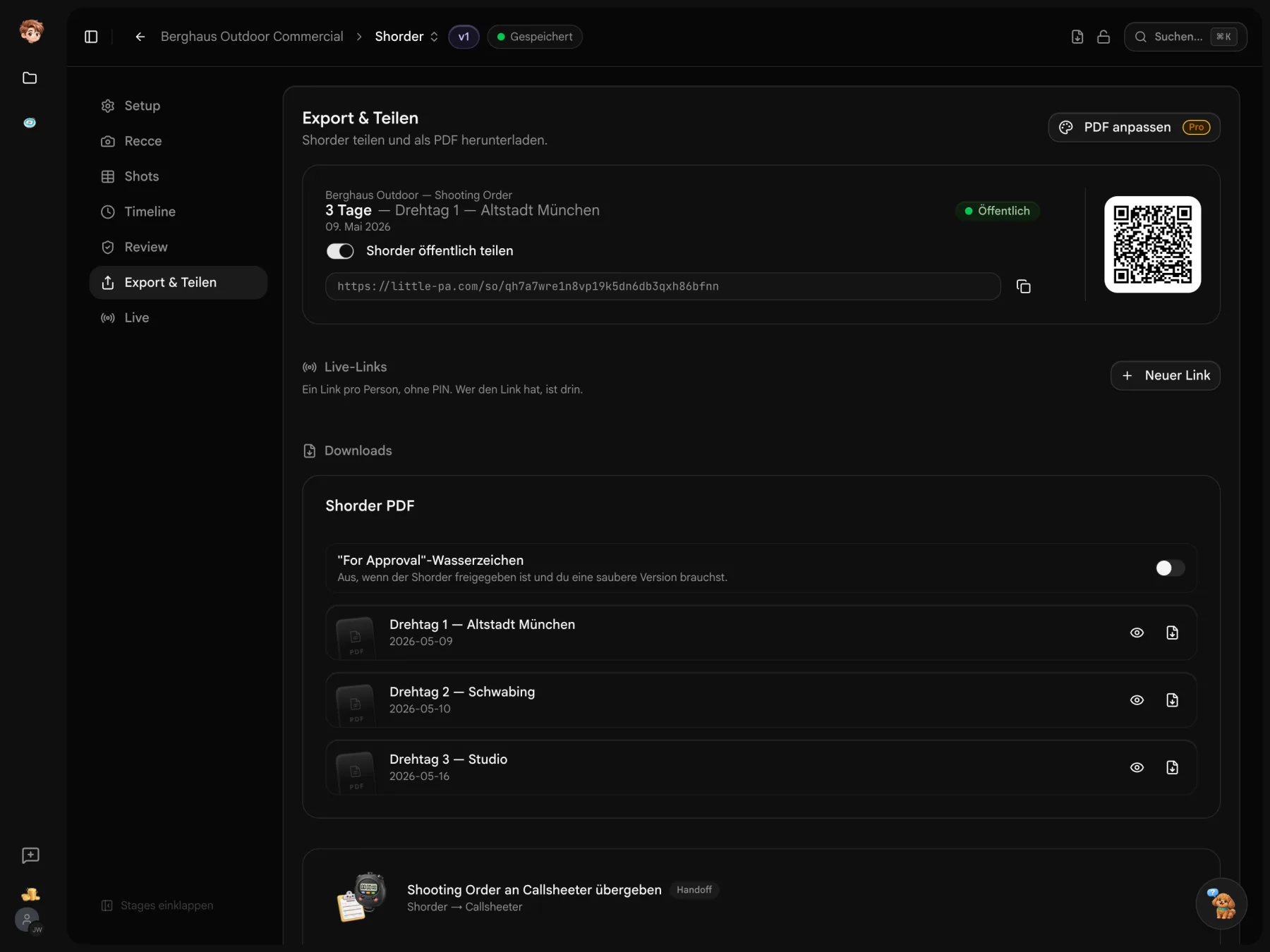
Plan shots, setup time, location moves and breaks in Shorder. Review the shoot day in the preview and link it to Callsheeter. The schedule carries over; add crew and the remaining details in the callsheet.

Four drone days. Still within budget?
Build your estimate with departments, quantities and day rates in Checkbook. Change an entry and the totals recalculate. The totals bar shows the difference from your budget target. Filmustage also has a budgeting module, included in the comparison below.
What does the AI read, and what carries over?
The difference starts with the source material. Both tools offer scheduling, callsheets and budgeting. Here are the documented features and their limits.
 Little PA
As of 10/2026. Manufacturer sources checked on 30 October 2026; availability depends on the plan. Unknown does not mean No. Little PA publishes this comparison and also checked its own features in code. Filmustage now lists confirmation notifications as available; its guide documents the SENT status. A recipient link that stays current remains unclear.
- [1] Little PA: Shorder
- [2] Little PA: Callsheeter
- [3] Little PA: Checkbook
- [4] Little PA: pricing and free entry tier
- [5] Filmustage: storyboards
- [6] Filmustage: script import and FAQ
- [7] Filmustage: callsheets and confirmation notifications
- [8] Filmustage: Free tier and budgeting
- [9] Filmustage: distribution guide with SENT status
Your existing schedule is a starting point.
Extract schedule items from an existing PDF and review them before saving. You can also import contacts from PDFs and crew lists from Excel. This does not transfer a Filmustage project with its budget, links and confirmations.
Plan with the images you already have.
Start with your storyboard PDF, review the shots and plan the shoot day. Once you have checked it, hand the schedule over to Callsheeter.
Before you send your callsheet.
Source files, imports and what carries over when you switch.
Yes. Filmustage offers storyboard frames built manually or from scene text with AI, plus a budgeting module. This does not establish support for importing a finished storyboard PDF as shots. Its Free tier includes one active project and a partial AI breakdown of 20% of scenes.
Little PA has no full Filmustage project import or FDX script breakdown. Shorder reads storyboard PDFs. You can use PDF import for existing contacts and schedule items, then review and complete the result yourself.
Yes. You can try the tools for free in one project. The pricing page lists included allowances and paid workspace plans.