

Which version got approved?
In Screener, comments and approvals belong to a specific version of your film. The link shows the current version; earlier versions stay playable until you remove them. Add a note to explain what changed.

Set the occasion, then show the film
Choose the feedback you need. Lead viewers through the film in a live screening; comments and decisions stay attached to their version.
- 1Screener
Who can approve?
Choose offline approval as the occasion for your link. This enables the decision-maker role, approval and notes.
- 2Screener
Watch it together
Start a live session and lead viewers from the cover to the film slide. You choose which slide everyone sees.

Put the comment where it belongs.
Pause the video, comment at the timecode and mark a point in the frame if needed. An approval is recorded with the name, time and version.

Comments
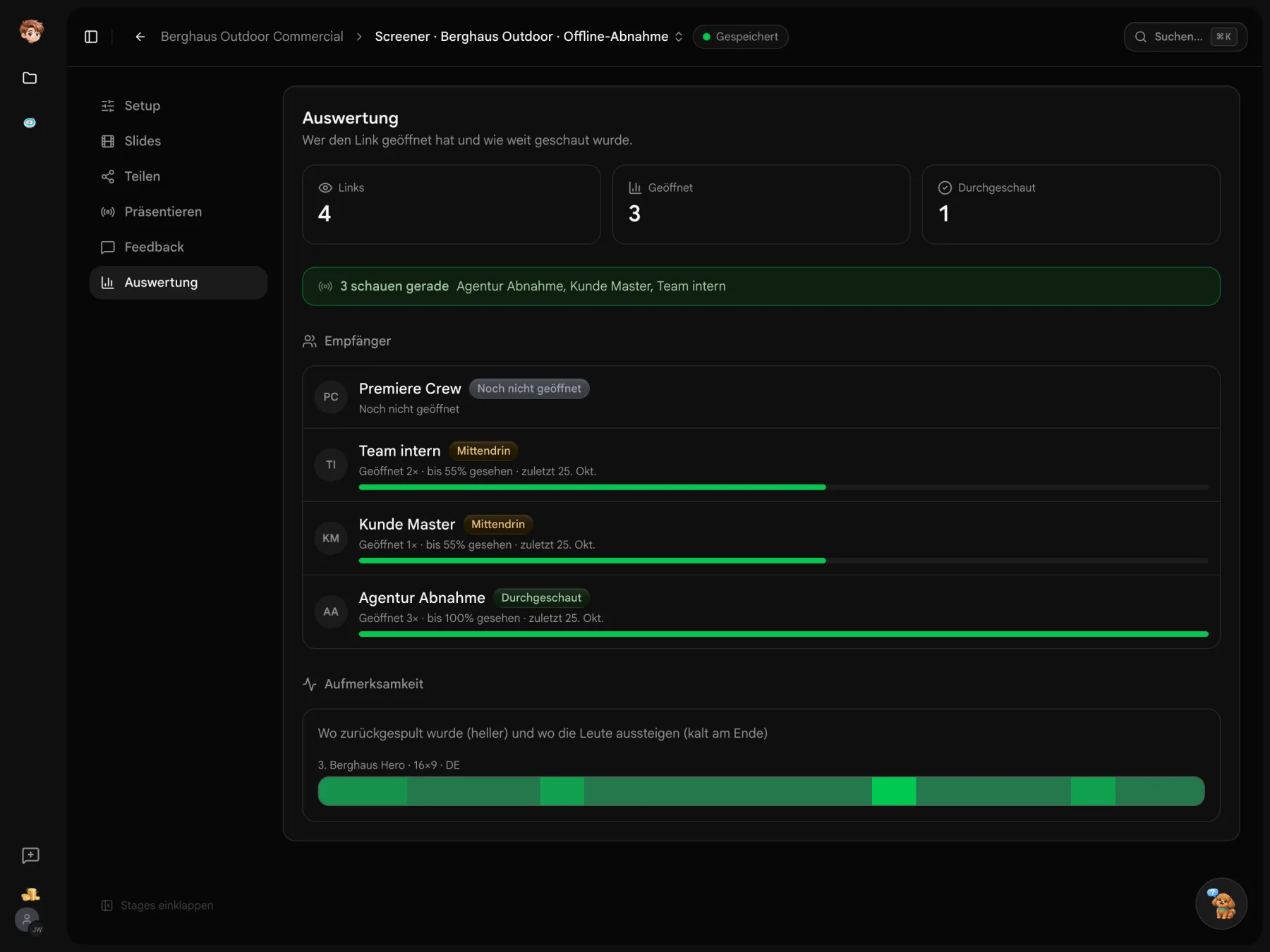
A place for the next version.
Create a screening, upload your film and set up the review link. Timecoded comments and version-specific approvals keep feedback together.
Before your first screening link
Pricing, access and earlier versions
Try Screener in one project on the free plan. Paid plans are per workspace and start at €29 a month before tax. Videos count towards workspace storage. Recipients do not need an additional full seat.
Recipients open their link in a browser without a Little PA account. They enter their name when commenting or approving. Set any additional access conditions in the link settings.
A comment belongs to a timecode and can include a mark on the frame. Only someone with the decision-maker role on the link can submit an approval. “Approved”, “approved with changes” or “changes requested” is recorded against the relevant version.
Comments and approvals stay with their version. The new version appears on the link once processing is complete. Earlier versions remain playable until you remove them. A change note helps recipients understand what is new.