

Find the person behind the role.
One role, plenty of tapes and more than one opinion. Collect videos, photos and comp cards in Casting Binder, compare talent and invite directors and agencies to review.
Create a casting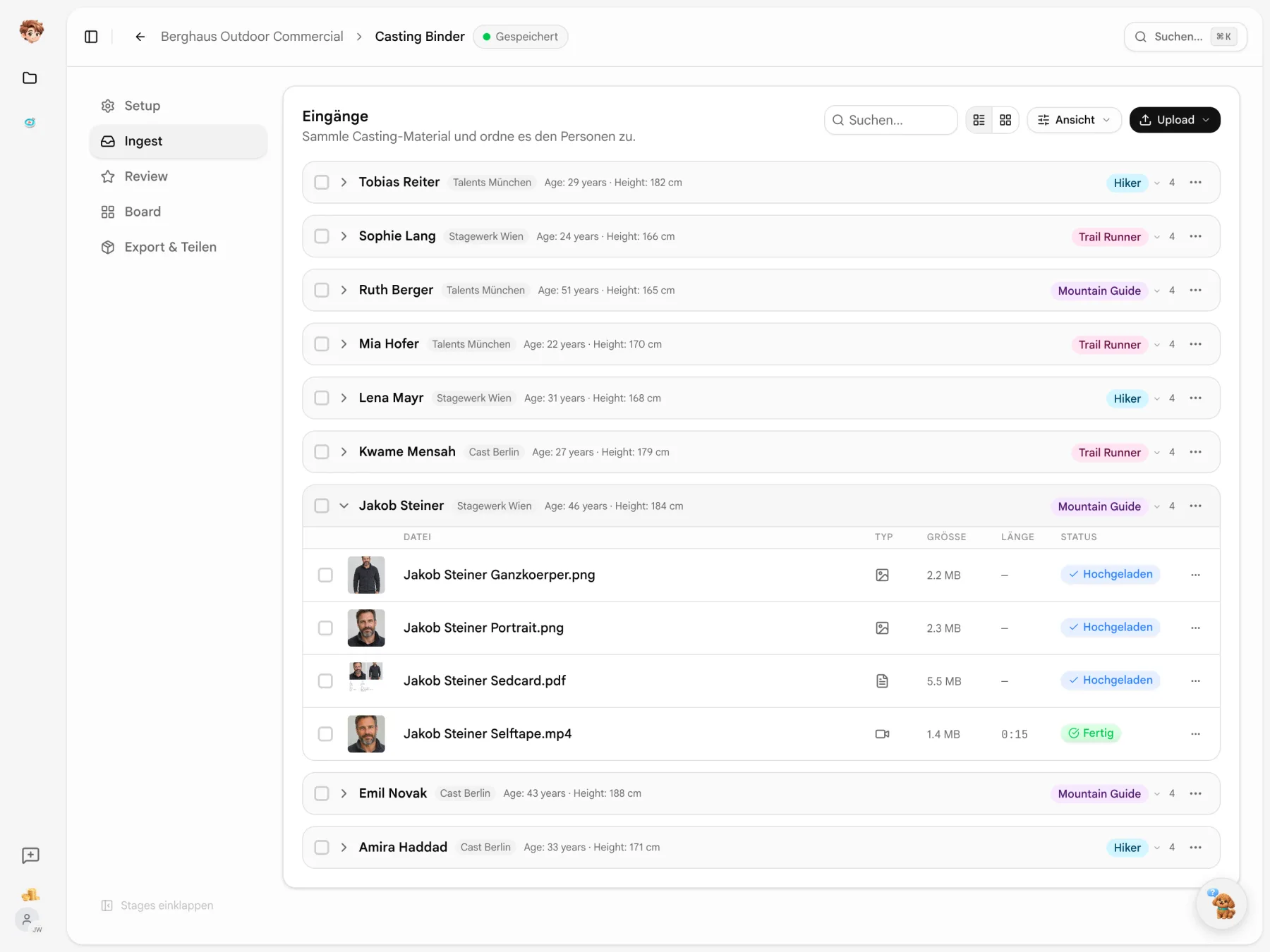
The tapes go straight into your binder.
Send agencies or talent an upload link. They can upload videos, photos and PDFs without an account. Keep the material with the people it belongs to.
One person rarely comes with just one file.
The self-tape, comp card and photos belong together. AI helps match files to people and extracts profile details from transcripts and PDFs. Review and complete the results.
Inbox
- jakob_steiner_selftape.movMOV
- Sedcard_Steiner_2026.pdfPDF
- IMG_4021.HEICHEIC
Profile
Mountain Guide- Name
- from the tape
- Age
- from the tape
- Height
- from the comp card
- Role
- Mountain Guide
Casting includes the follow-up.
Keep consent, new uploads and rejections alongside the selection they relate to.
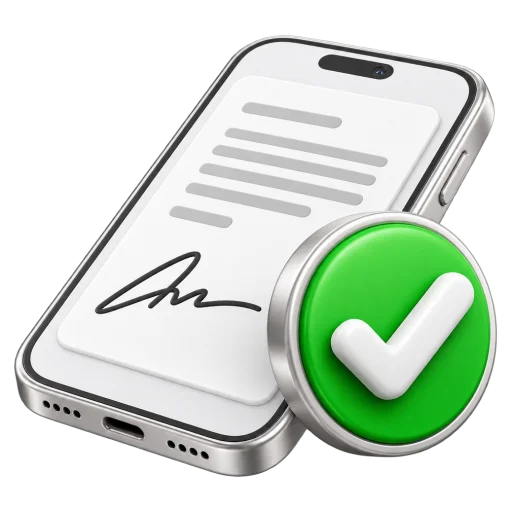
Collect consent
Collect releases and privacy consent through a link. Talent can sign on a phone, and you can see the status in the binder.

Spot new tapes
Reviewers can see which material has arrived since their last visit and pick up where they left off.

Send rejections
Once the casting is decided, send rejection emails to the other talent. Choose the recipients before sending.
The role sets the criteria.
Filter the review using fields from your setup. Here, an age range narrows the selection. The grid and count update as you type.
- A filter for each field
- Use ranges for numbers, yes or no for checkboxes, and existing values for text.
- Keep count
- The counter shows how many people remain visible after filtering.

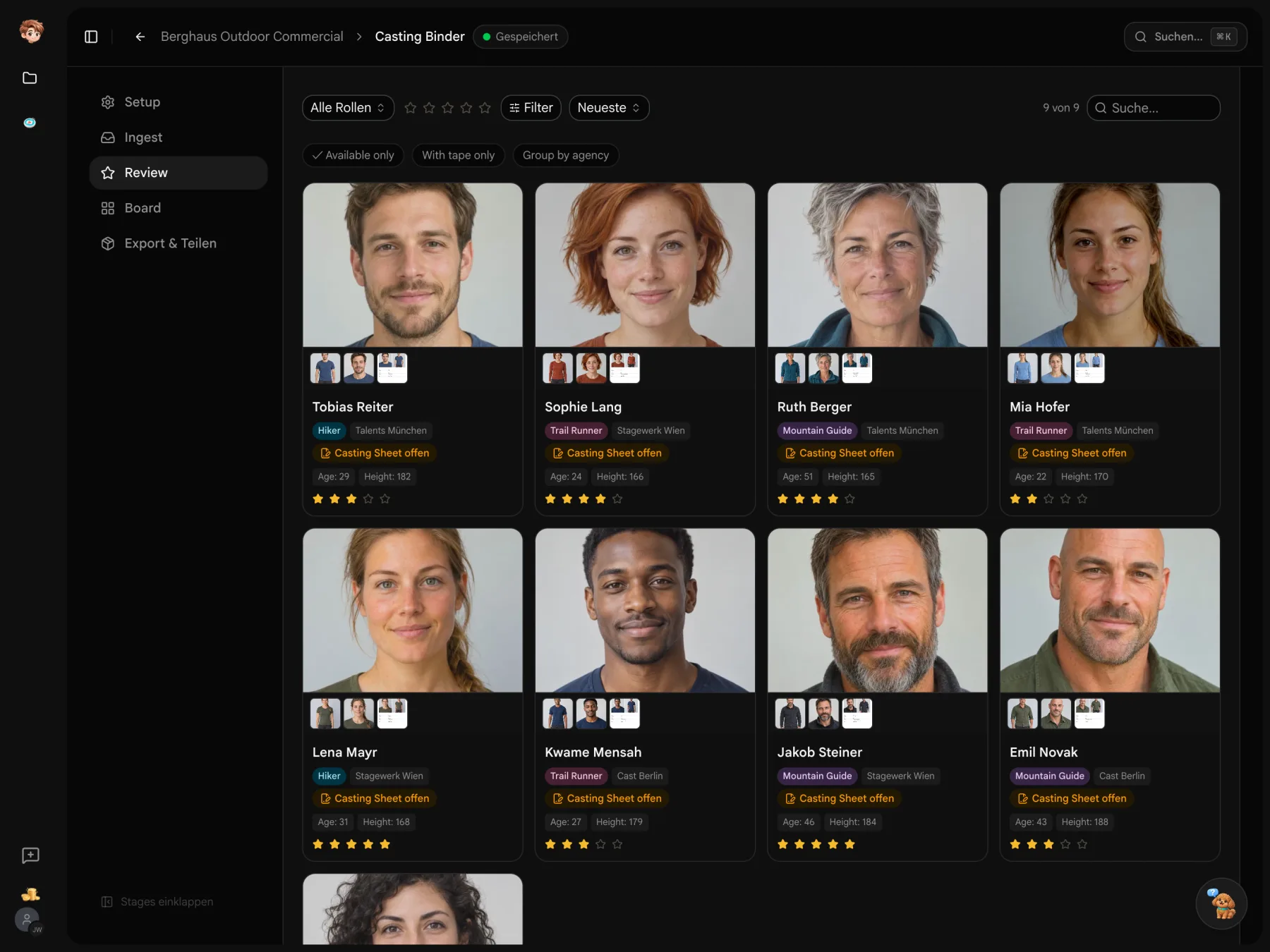
Cast combinations, side by side.
Choose a role and a minimum rating. Matching cards stay clear; the others fade. Your selection keeps its place among the alternatives.
- Arrange cards freely
- Put pairs or groups together. Card positions are saved in the binder.
- Bring choices forward
- Role and rating filters fade cards rather than removing them from the board.

Who sent whom?
Group the review by agency. Each group has a name and a headcount, so you can look through an agency’s suggestions together.
- Names stay together
- Capitalisation and stray spaces do not split the same agency into separate groups.
- No agency listed
- People without an assigned agency appear together under “Unknown”.

Your casting choice carries into prep.
Selected talent becomes available as contacts for your project cast and performers. Deckster uses the casting material in your PPM booklet.
Explore the project tools

Time to make your first selection.
Create the roles for your project and send your first upload link. Try the workflow on the free plan.
Start for free · Compare plans and features
About your casting
Uploads, reviews and consent explained
Try Casting Binder in one project on the free plan. Paid plans are per workspace and start at €29 a month before tax. External uploads and reviews do not need an additional full seat. The pricing overview lists the tools and allowances included.
Share the binder’s upload link with agencies or talent. They upload videos, photos and PDFs in a browser without creating an account. New uploads can be reported to you in a grouped email.
Upload common video formats, photos and PDFs, including self-tapes, comp cards and résumés. iPhone HEIC photos are converted, and videos are processed for playback in review.
AI uses video transcripts and PDF text to suggest values for your profile fields, such as name, age and height. It also helps assign loose files to people. You can correct the results and generate highlight reels or pitch cards separately.
Yes. Create personal review links and choose all people, a role or the shortlist. Ratings and notes from those links are collected in the binder.
Collect a release and privacy consent during upload or through a separate link. The person signs in a browser, including on a phone. The binder shows the consent status.